
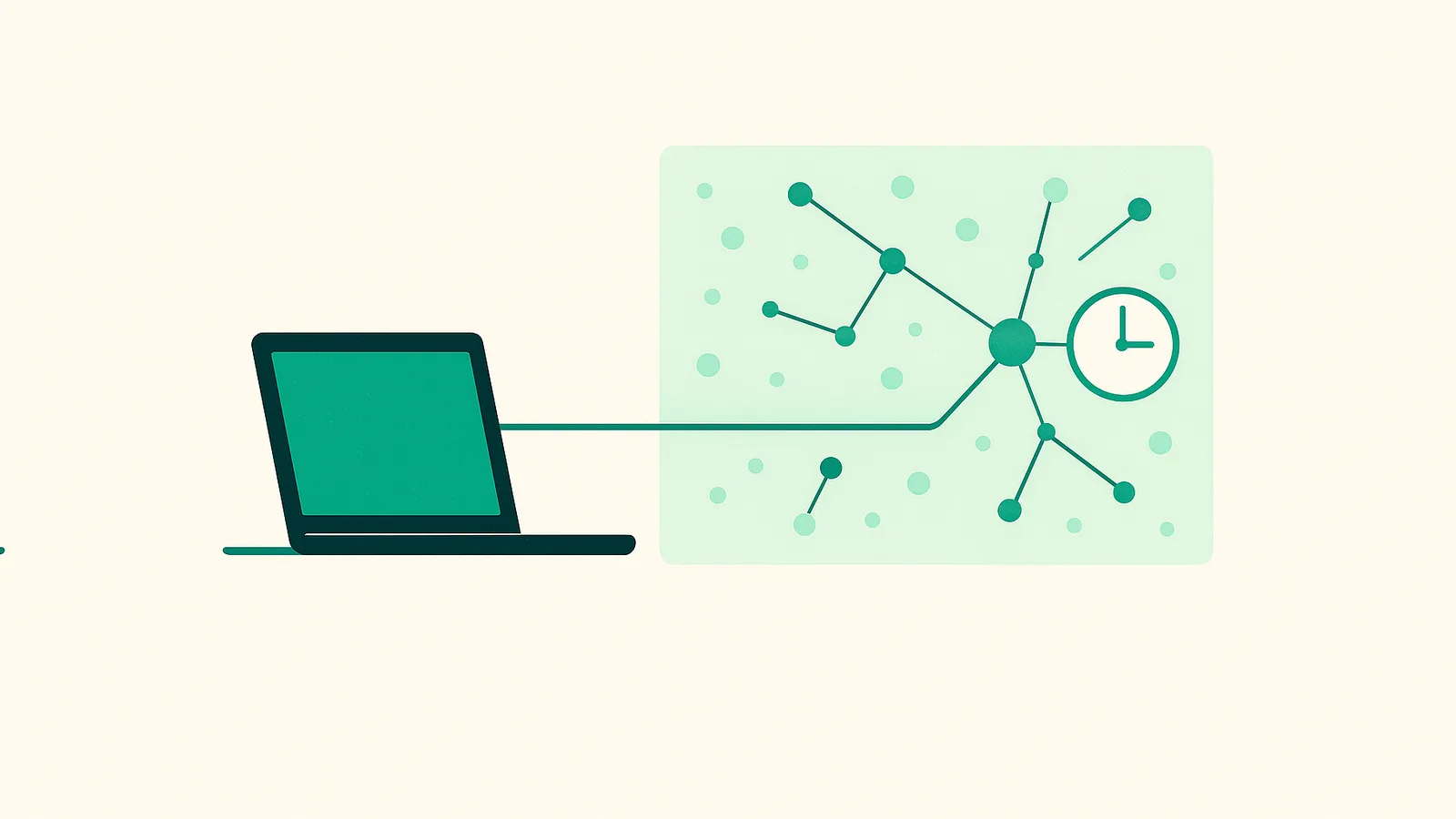
What is a proxy session?
A "session" is simply a continuous interaction between your client and a target website that shares state — cookies, a login token, or the steps of a checkout flow. When your IP changes mid-flow, many sites treat it as a new, untrusted visitor and may reset your cart, log you out, or re-trigger verification.
A proxy session controls which exit IP your requests come out of and for how long that IP stays the same. This is the core knob that separates rotating from sticky behavior.
Rotating vs sticky proxies
Both modes draw from the same residential pool. The difference is IP lifetime:
- Rotating: the network assigns a new IP on every request. Ideal when requests are independent and you want maximum IP diversity.
- Sticky: the network keeps one IP assigned to your session ID for a chosen time, then releases it. Ideal when requests must look like one continuous visitor.
| Aspect | Rotating | Sticky |
|---|---|---|
| IP lifetime | Per request | 1 minute to 24 hours |
| Best for | Broad crawling, price checks, SERP sampling | Logins, carts, multi-step forms |
| State consistency | Low (state can break) | High (state preserved) |
| IP diversity | Very high | Lower during the window |
| Typical volume | Many small requests | Fewer, longer flows |
How long does a sticky session last?
Nefo lets you set the session lifetime from 1 minute up to 24 hours (1440 minutes). Shorter windows recycle IPs faster and suit quick tasks; longer windows keep continuity for slower, human-paced flows.
The lifetime is a best-effort target. A residential IP can drop early if the underlying device goes offline, so well-made clients handle re-assignment gracefully.
How to set up a sticky session
Sticky behavior is controlled through the proxy username and port. Rotating IPs use port 9000 (HTTP) or 11000 (SOCKS5). Sticky IPs use port 10000 (HTTP) or 12000 (SOCKS5) with a session token. A username might look like this (values are illustrative, not real credentials):
USERNAME-country-us-city-losangeles-session-a8bd381f-lifetime-30-country-ussets the country: United States-city-losangelessets the city-session-a8bd381fis a session label you choose; reuse it to keep the same IP-lifetime-30holds the IP for 30 minutes
Keep the same session label across requests to stay on one IP; change it to get a new one. The session token only works on the sticky ports. Treat real session strings like passwords. For code samples, see the Python Requests guide and sticky session proxies.
When to use sticky proxies
Choose sticky when the task depends on continuity:
- Multi-step flows — checkout, onboarding wizards, or paginated results tied to a cookie.
- Shopping carts — add-to-cart and checkout that must occur from one apparent visitor.
- Logins to accounts you are authorized to use — keeping a stable IP across an authenticated session reduces friction.
- Consistent geography — verifying how a localized page renders from one city or state without the IP shifting mid-test.
When to use rotating proxies
Choose rotating for stateless, high-diversity work:
- Broad public web-data collection — gathering many independent pages where each request stands alone.
- Price monitoring at scale — sampling catalogs across regions.
- Ad verification and SEO monitoring — checking how content appears from many vantage points.
Always collect only lawful, public data, respect each site's terms and robots directives, and rate-limit responsibly.
Key takeaways
- A session is a continuous, state-sharing interaction; the proxy controls the exit IP and its lifetime.
- Sticky means one IP for a set window (1 minute to 24 hours); rotating means a fresh IP per request.
- Use sticky for logins, carts and multi-step flows; use rotating for broad data collection.
- The lifetime is best-effort, so design clients that tolerate an early IP change.
- Nefo supports both modes on one balance; see pricing to start from 5 GB for $4.50.
Frequently asked questions
On Nefo a sticky session can hold one residential IP from 1 minute up to 24 hours. You set the lifetime in the username. It is a best-effort target, so an IP can release early if the host device disconnects.
The IP returns to the pool and your next request gets a new address. To continue, start a new session with a new session ID and re-establish any cookies or login the site needs.
For broad, stateless collection of public data, rotating maximizes IP diversity. If your scraper logs in, uses a cart or follows multi-page flows that share state, use sticky. See rotating proxies and rotating vs sticky.
Yes. Both are available on the same residential balance. Use port 9000 for rotating HTTP and 10000 for sticky HTTP, or 11000 and 12000 for SOCKS5. See residential proxies.
Use a sticky port with a session label in the username and send every request with that same label. Reuse one HTTP session in your client so cookies and the IP stay aligned.