
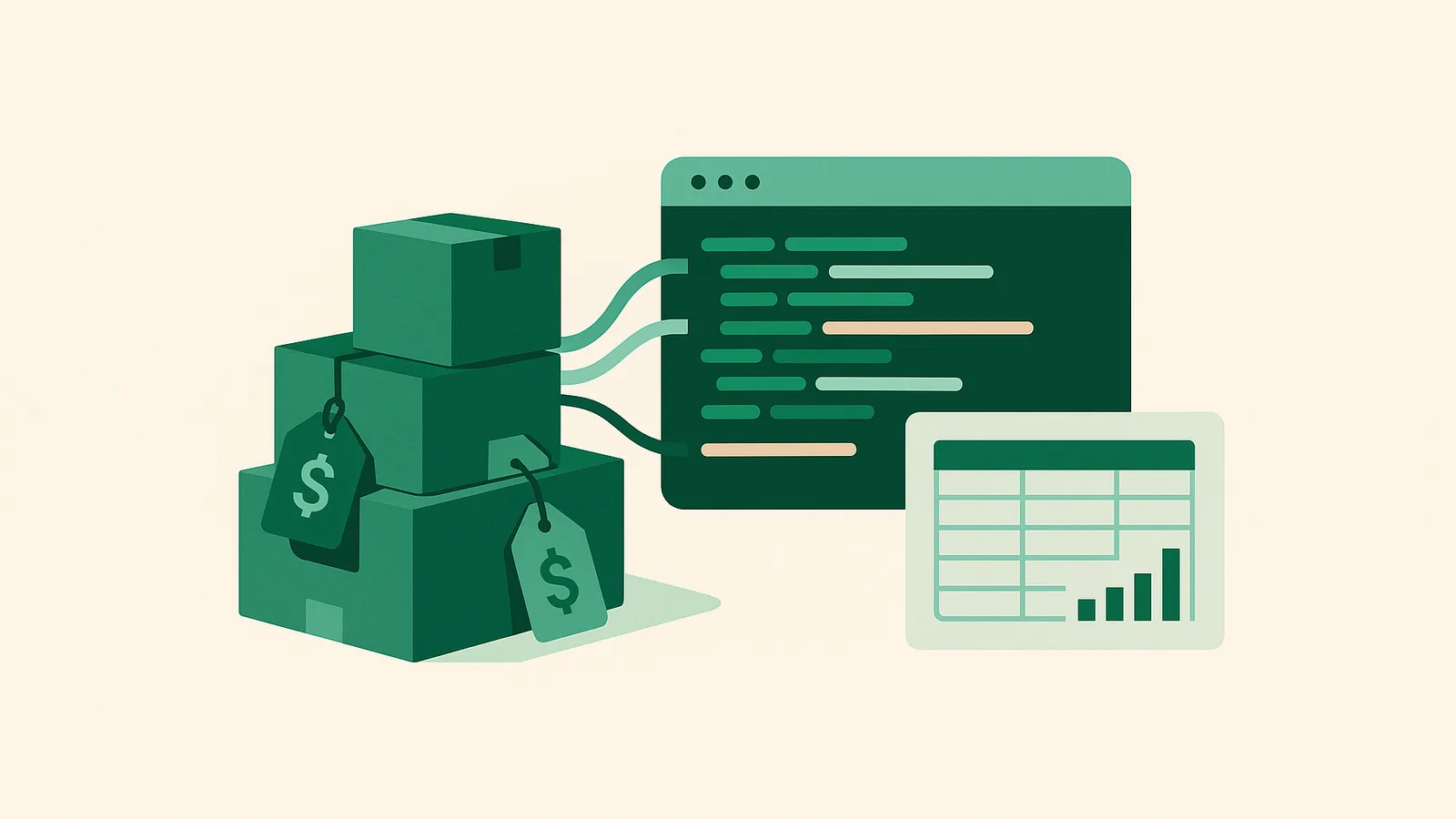
Amazon is one of the world's largest e-commerce platforms, hosting millions of products across a vast array of categories. For data analysts, researchers, and businesses, access to Amazon's publicly available product data—such as titles, prices, ratings, descriptions, and images—is crucial for market intelligence, price monitoring, and competitive analysis. However, extracting this data at scale presents technical and compliance challenges, especially as Amazon employs rigorous anti-bot measures.
This guide provides a detailed, step-by-step tutorial on scraping Amazon product data using Python. You'll learn how to set up your environment, write robust scraping code, use proxies to avoid blocks, and adhere to ethical and legal standards. We'll focus on practical techniques with code samples, and show how Nefo's residential and mobile proxies can help you collect data at scale, reliably and lawfully.
What Amazon product data can you scrape?
Amazon product data scraping refers to the automated extraction of publicly accessible product information from Amazon's website. Typical target data fields include:
- Product title
- Price
- Ratings and reviews
- Product images
- Product description
- Availability status
These data points are valuable for:
- Market and price research
- Monitoring competitor listings
- Tracking changes in product offerings
- Building product comparison tools
- Localized search engine results page (SERP) checks
Important: Only publicly available information should be scraped, and all activities must comply with Amazon's Terms of Service and applicable laws. Avoid scraping personal data, copyrighted content, or information behind authentication walls.
Is it legal to scrape Amazon? Compliance basics
Before you begin scraping Amazon or any other website, consider the following:
- Public Data Only: Scrape only information that is publicly visible to any site visitor.
- Terms of Service: Review Amazon's Terms of Service and ensure your activities are permitted.
- Applicable Laws: Ensure compliance with all relevant data protection and privacy laws in your jurisdiction.
- Rate Limits and Load: Be respectful of Amazon's infrastructure by limiting request rates and avoiding excessive traffic.
For more on compliance, review our FAQ and always consult legal counsel for large-scale or commercial data collection projects.
Python libraries for scraping Amazon
Python is the language of choice for web scraping due to its extensive ecosystem. The essential libraries for Amazon product data scraping include:
- Requests: For sending HTTP requests to fetch web pages.
- BeautifulSoup: For parsing HTML and extracting data elements.
- lxml: An efficient HTML/XML parser (used with BeautifulSoup for speed).
- pandas: For storing and analyzing structured data (optional, but useful for data processing).
Install these packages with:
pip install requests beautifulsoup4 lxml pandasSet up your Python environment
- Create a Project Folder:
mkdir amazon-scraper cd amazon-scraper - Set up a Virtual Environment: macOS/Linux:
python3 -m venv .env source .env/bin/activateWindows:python -m venv .env .env\Scripts\activate - Install Required Libraries:
pip install requests beautifulsoup4 lxml pandas
Step 1: Sending HTTP Requests to Amazon
The first step is downloading the HTML of an Amazon product page. Use the requests library to fetch the page.
import requests

url = 'https://www.amazon.com/dp/B098FKXT8L'  # Example ASIN
headers = {
    'User-Agent': 'Mozilla/5.0 (Windows NT 10.0; Win64; x64) AppleWebKit/537.36 (KHTML, like Gecko) Chrome/120.0.0.0 Safari/537.36',
    'Accept-Language': 'en-US,en;q=0.9',
}
response = requests.get(url, headers=headers)
print(response.status_code)
Why set custom headers? Amazon aggressively detects non-browser traffic. Setting a realistic User-Agent and Accept-Language header mimics a real browser, improving your chance of receiving the correct page.
Note: Without additional measures (like proxies), you may receive bot-detection pages or CAPTCHAs, especially at scale.
Step 2: Parsing HTML Content with BeautifulSoup
Once you have the HTML, use BeautifulSoup to parse it and extract the data fields you need.
from bs4 import BeautifulSoup

soup = BeautifulSoup(response.text, 'lxml')
Now, inspect the Amazon product page source (in your browser, right-click → Inspect) to find the HTML elements for:
- Product title:
id="productTitle" - Price: varies, often
id="priceblock_ourprice"orid="priceblock_dealprice" - Rating:
data-asinorspan.a-icon-alt - Images: within
imgTagWrapperId - Description:
id="productDescription"
Example extraction:
# Product Title
title = soup.find('span', id='productTitle')
if title:
    title = title.get_text(strip=True)

# Price
price = soup.find('span', id='priceblock_ourprice')
if not price:
    price = soup.find('span', id='priceblock_dealprice')
if price:
    price = price.get_text(strip=True)

# Rating
rating = soup.find('span', {'class': 'a-icon-alt'})
if rating:
    rating = rating.get_text(strip=True)
Step 3: Extracting Product Data Fields
Let's combine extraction logic for all key fields into a single function:
def extract_product_data(html):
    soup = BeautifulSoup(html, 'lxml')
    data = {}
    # Title
    title = soup.find('span', id='productTitle')
    data['title'] = title.get_text(strip=True) if title else None

    # Price
    price = soup.find('span', id='priceblock_ourprice') or soup.find('span', id='priceblock_dealprice')
    data['price'] = price.get_text(strip=True) if price else None

    # Rating
    rating = soup.find('span', {'class': 'a-icon-alt'})
    data['rating'] = rating.get_text(strip=True) if rating else None

    # Images
    image = soup.find('img', id='landingImage')
    data['image_url'] = image['src'] if image else None

    # Description
    desc = soup.find('div', id='productDescription')
    data['description'] = desc.get_text(strip=True) if desc else None

    return data
Step 4: Overcoming Amazon Anti-Bot Measures
Amazon employs several techniques to block automated scraping:
- Bot-detection pages ("To discuss automated access...")
- CAPTCHAs
- IP rate-limiting and bans
- Dynamic content and frequent HTML structure changes
How to address these challenges:
- Use realistic headers and randomize request timing
- Rotate IP addresses using proxies
- Use session persistence (cookies) where needed
- Monitor for page changes and update selectors as Amazon evolves
Best proxies for scraping Amazon
A single IP address will quickly be rate-limited or blocked by Amazon. To scrape at scale, distribute your requests across many residential or mobile IPs. That is where proxies come in.
Why use proxies?
- Avoid IP-based rate limits: each request can come from a different residential connection.
- Reduce block rates: residential and mobile IPs are less likely to be flagged than datacenter IPs.
- Geo-target: test localized product data by routing requests through specific countries or cities.
Nefo's residential proxies cover 227 countries and territories and support HTTP, HTTPS and SOCKS5, from $4.50 for 5 GB. For stricter platforms, mobile proxies provide carrier-grade 4G/5G IPs with free location switching.
Residential vs mobile proxies for Amazon
| Feature | Residential proxies | Mobile proxies |
|---|---|---|
| IP source | Home/consumer connections | Real mobile carriers (4G/5G) |
| Geo-targeting | 227 countries and territories; state, city, ISP | Economy US only; Basic 9 countries; Turbo 6 countries |
| Pricing model | From $0.53/GB, no expiry | Flat rate per port, from $30 per 30 days, 15 GB/day |
| Session type | Rotating or sticky (up to 24 h) | Rotating IP per port, free switching |
| Use cases | E-commerce, price monitoring, SERPs | Mobile-first platforms, ad verification |
| Concurrent connections | Unlimited | Up to 3 per port |
Rotating vs sticky sessions for Amazon
- Rotating Sessions: Each request uses a new IP. Best for large-scale data collection, search engine scraping, or scenarios where session continuity isn't required.
- Sticky Sessions: Maintain the same IP for up to 24 hours (subject to network availability). Useful for extracting multiple pages of a single product or simulating a real user session.
Nefo supports both: Specify your session preference in the proxy username to control rotation or stickiness. See documentation for integration details.
Amazon scraping best practices
- Respect Robots.txt and Terms of Service: Only scrape public data and check for site-specific restrictions.
- Throttle Requests: Add random delays (e.g., 2–5 seconds) between requests to mimic human behavior.
- Monitor Response Codes: Detect and handle CAPTCHAs or bot-block messages gracefully.
- Rotate User-Agents: Use a pool of realistic browser signatures.
- Use Proxies Thoughtfully: Avoid rapid-fire requests from the same IP; leverage Nefo's large pool for distributed access.
- Log and Monitor: Track request/response logs for troubleshooting and compliance.
Full Amazon product scraper in Python
Below is a simplified example of a Python scraper that integrates proxies and extracts core product fields. For production use, add error handling, robust logging, and compliance checks.
import requests
from bs4 import BeautifulSoup
import random
import time

PROXY = "gw.nefo.net:port"  # Replace with your Nefo endpoint
USERNAME = "your_username-country-us-session-rotate"  # Example: geo-target US, rotating
PASSWORD = "your_password"

PROXIES = {
    "http": f"http://{USERNAME}:{PASSWORD}@{PROXY}",
    "https": f"http://{USERNAME}:{PASSWORD}@{PROXY}",
}

HEADERS_LIST = [
    # Add multiple user-agents for rotation
    'Mozilla/5.0 (Windows NT 10.0; Win64; x64) AppleWebKit/537.36 (KHTML, like Gecko) Chrome/120.0.0.0 Safari/537.36',
    'Mozilla/5.0 (Macintosh; Intel Mac OS X 10_15_7) AppleWebKit/605.1.15 (KHTML, like Gecko) Version/16.2 Safari/605.1.15',
    # ... add more
]

PRODUCT_URLS = [
    'https://www.amazon.com/dp/B098FKXT8L',
    # Add more product URLs
]

def extract_product_data(html):
    soup = BeautifulSoup(html, 'lxml')
    data = {}
    title = soup.find('span', id='productTitle')
    data['title'] = title.get_text(strip=True) if title else None
    price = soup.find('span', id='priceblock_ourprice') or soup.find('span', id='priceblock_dealprice')
    data['price'] = price.get_text(strip=True) if price else None
    rating = soup.find('span', {'class': 'a-icon-alt'})
    data['rating'] = rating.get_text(strip=True) if rating else None
    image = soup.find('img', id='landingImage')
    data['image_url'] = image['src'] if image else None
    desc = soup.find('div', id='productDescription')
    data['description'] = desc.get_text(strip=True) if desc else None
    return data

def scrape_amazon(url):
    headers = {
        'User-Agent': random.choice(HEADERS_LIST),
        'Accept-Language': 'en-US,en;q=0.9',
    }
    response = requests.get(url, headers=headers, proxies=PROXIES, timeout=30)
    if response.status_code == 200:
        return extract_product_data(response.text)
    else:
        print(f"Blocked or error: {response.status_code}")
        return None

def main():
    results = []
    for url in PRODUCT_URLS:
        data = scrape_amazon(url)
        if data:
            results.append(data)
        time.sleep(random.uniform(2, 5))  # Respectful delay
    print(results)

if __name__ == "__main__":
    main()
Troubleshooting Amazon scraper errors
- Bot-detection pages: if you receive a page asking you to contact Amazon's API support address, your IP or headers are flagged. Try rotating proxies, changing user agents or reducing request frequency.
- CAPTCHAs: these indicate aggressive anti-bot detection. Slow down, add delays, rotate headers and, if needed, try mobile proxies. See solving reCAPTCHA while scraping.
- Missing data: Amazon changes page layouts often. Inspect the HTML and update your selectors.
- Timeouts and connection errors: check the proxy configuration and network stability, or reduce concurrency.
Store and analyze scraped Amazon data
For small projects, you can save results as CSV or JSON. For larger-scale extraction, consider databases like PostgreSQL or MongoDB.
Example saving to CSV with pandas:
import pandas as pd

data = [
    {'title': 'Product 1', 'price': '$99.99', ...},
    # ...
]
df = pd.DataFrame(data)
df.to_csv('amazon_products.csv', index=False)
Next steps
Scraping Amazon product data with Python is a powerful way to gain market insights, monitor pricing, and track product trends. However, it requires careful handling of anti-bot measures, compliance with site terms, and the use of robust proxy infrastructure for reliable access.
Nefo offers a scalable, developer-friendly proxy solution with residential and mobile proxy products, flexible billing, and global geo-targeting capabilities. Get started today and unlock public e-commerce data for your analytics and research projects.
Frequently asked questions
Collecting publicly visible data is common practice, but you must follow Amazon's terms of service and robots.txt, avoid personal data and keep request rates low. This is not legal advice; check the rules that apply to you.
Amazon blocks or rate-limits repeated requests from one IP address. Residential proxies spread requests across many real IPs, which lowers block rates and lets you see localized listings.
Rotating sessions assign a new IP for each request and suit stateless, large-scale scraping. Sticky sessions keep one IP for up to 24 hours, which helps with multi-page extraction. See how sticky sessions work.
Residential proxies fit most Amazon projects with broad geo-targeting and per-GB billing. Consider mobile proxies only for platforms with stricter checks.
Requests for HTTP calls and BeautifulSoup for HTML parsing are the core pair. Optionally add lxml for faster parsing and pandas to store and analyze results. See the Python Requests proxy guide.
Use rotating residential proxies, randomize headers and request timing, add delays of a few seconds, watch for CAPTCHAs and keep your request rate low.
Add tokens to your proxy username, such as -country-us or -country-us-city-losangeles, to see the page as a local visitor would. The locations pages list what is available.