
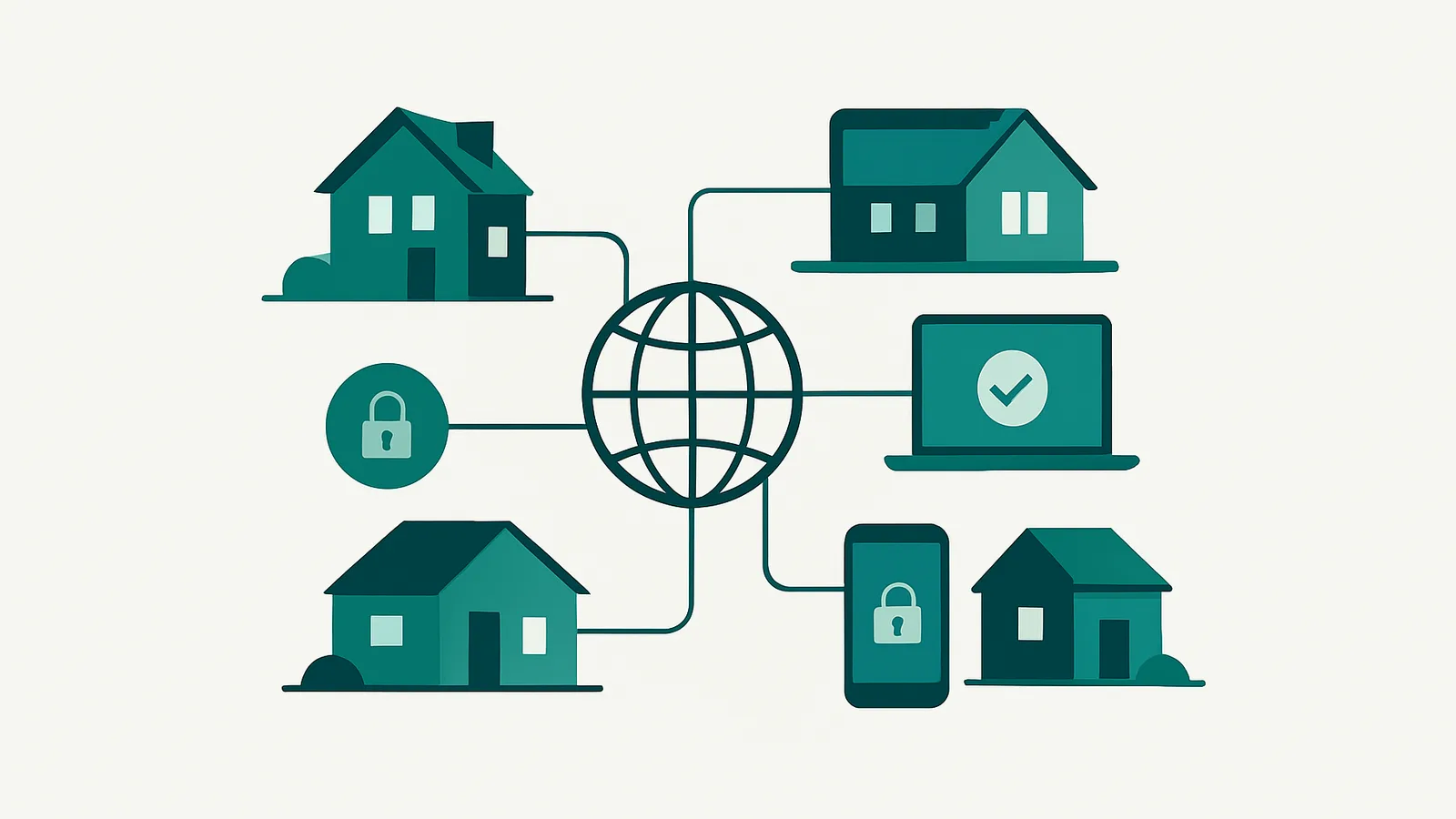
This guide explains how networks acquire residential IPs, what ethical sourcing means and how to judge whether a provider is being honest. It also gives practical steps to evaluate any provider's claims.
How residential proxy networks get IPs
A genuine residential proxy IP is an address registered to a consumer at a physical location, assigned by an Internet Service Provider (ISP) to a home or mobile device. Proxy networks do not own these lines; instead, they gain access through partnerships with application developers, device owners, or bandwidth-sharing programs.
The most common acquisition methods are:
- Opt-in SDKs in apps or devices: A developer integrates a Software Development Kit (SDK) that, with user consent, shares unused bandwidth and the device’s IP. In exchange, the user might receive app features, an ad-free experience, or other benefits.
- Bandwidth-sharing programs: Users directly enroll their devices in a bandwidth-sharing network, often for compensation or service upgrades.
The key is informed, opt-in consent—the device owner knowingly agrees to participate, can revoke consent, and understands what is being shared. Without this, a network’s IPs may have been obtained unethically, raising compliance and reputational risks.
What ethical, consent-based sourcing means
Consent is the foundation of ethical residential proxy sourcing. Here’s what ethical consent looks like:
- Clear disclosure: Users are told, in plain language, that their device may route proxy traffic.
- Opt-in mechanism: Participation is voluntary—no hidden or default opt-in.
- Easy opt-out: Users can withdraw at any time, and their device is removed from the network.
- Fair value exchange: Users receive something of value in return—app features, compensation, or rewards.
Unethical sourcing includes:
- Hidden or buried consent: “Agree” buttons with no clear explanation, or consent buried in lengthy terms.
- Malware or forced participation: Devices are enrolled without the owner’s knowledge.
- Hijacked or compromised devices: IPs obtained through unauthorized means.
Why does this matter?
- Legal and compliance teams increasingly scrutinize proxy sources. Using a network with questionable consent exposes organizations to risk.
- Ethically sourced pools tend to be more stable and less abused, reducing blocks, CAPTCHAs, and reputation issues downstream.
What makes an IP residential?
A true residential IP has these characteristics:
- ISP registration: The IP belongs to a consumer ISP, not a cloud or hosting provider.
- Physical location: The address is tied to a real-world home or mobile device.
- Dynamic assignment: Most residential IPs are assigned via DHCP and may change when the user’s router reboots or their device moves.
- ASN (Autonomous System Number): The IP’s ASN is registered to a consumer ISP, not a datacenter or enterprise.
Mobile IPs are similar, but registered to mobile carriers and often assigned via carrier-grade NAT (CGNAT), meaning a single address may represent many devices.
How to spot fake residential IPs
Not all “residential” proxies on the market are what they claim. Here’s how to identify the real thing:
1. Check the ASN
- Use tools like ipinfo.io or whois to look up the IP’s ASN.
- A true residential IP should show a consumer ISP (e.g., Comcast, BT, Orange, etc.), not a cloud provider (e.g., Amazon, OVH, DigitalOcean).
2. Review the IP’s registration
- The IP should resolve to a physical location consistent with a home or mobile device, not a datacenter.
3. Beware of static or “permanent” claims
- Residential IPs are transient—long-term assignment is rare. If a provider promises permanent, never-changing residential IPs, verify how they source them. Often, these are actually datacenter or “static” IPs.
4. Volume and concurrency claims
- Be skeptical of providers advertising massive pools with little transparency. Most count total unique IPs observed over a period, not those available at once.
5. Test for blocklists and reputation
- Check if the IP appears in known proxy or abuse lists. Legitimate residential IPs have lower blocklist rates, but no network is immune.
What an honest proxy provider tells you
A trustworthy proxy provider will:
- Disclose sourcing methods: Explain how they acquire residential IPs and what consent looks like.
- Provide verifiable stats: Share measured figures—such as unique IPs observed over a defined period—rather than unverifiable pool-size claims.
- Clarify session types and limits: Residential proxies are subject to device churn, so sticky sessions are limited (e.g., Nefo offers sticky sessions up to 24 hours, subject to network availability).
- Avoid guarantees they can’t keep: No provider can guarantee a specific residential IP’s uptime or permanence.
- Distinguish product lines: Residential, mobile, datacenter, and static IPs are clearly separated, with billing and usage models explained.
How Nefo reports its residential network
Nefo operates its own residential proxy network, sourcing IPs through consent-based partnerships. Here is what it reports and offers:
- Measured, not marketed, figures: Nefo does not claim a pool size. Its own sampler saw 440,652 unique residential exits in a 3-day sample and over 3.5 million different exit IPs in 14 days, with the sampling window always stated.
- Global reach: the catalog covers 227 countries and territories, 22,417 cities and 14,252 ISPs. See the location catalogue.
- Session control: choose rotating sessions (fresh IP per request) or sticky sessions from 1 minute up to 24 hours, subject to network availability.
- Geo-targeting: target by country, state, city or ISP directly via the username string.
- Transparent billing: pay per GB with no monthly subscription; bandwidth never expires. Pricing starts from $0.53/GB, and the smallest order is 5 GB for $4.50. See residential proxy pricing.
- No guaranteed IPs: for long-term assignments, Nefo offers static residential ISP IPs, static IP proxies (dedicated datacenter IPv4/IPv6) and the IP Vault.
When residential proxies are the right fit
Residential proxies are ideal for:
- Localized data collection: Market research, ad verification, or price monitoring that requires appearing as a real user in a specific city or country.
- Accessing sites sensitive to datacenter IPs: Many e-commerce, retail, and social platforms treat residential IPs as more trustworthy than datacenter or static IPs.
They may not fit if you require:
- Guaranteed, permanent IPs: Due to device churn, residential IPs are not persistent. For long-term use, see static IP proxies or IP Vault.
- High-concurrency, high-throughput scraping: For bulk data collection, rotating datacenter proxies may be more efficient and cost-effective.
- Control over the underlying connection: Residential proxies route through third-party devices; for full control, consider a dedicated server.
Residential vs datacenter vs mobile vs static IPs
| Feature | Residential Proxies | Datacenter Proxies | Mobile Proxies | Static IP Proxies |
|---|---|---|---|---|
| Source | Home ISP lines (consented) | Hosting/cloud networks | 4G/5G carrier IPs | Dedicated datacenter IPv4/6 |
| IP Rotation | Rotating/Sticky (≤24h) | Rotating/Sticky | Rotates on-demand | Fixed (assigned per IP) |
| Geo-targeting | Country, US city | Country, city, ASN | Country, state, carrier | Country, city (IPv4); 5 countries (IPv6) |
| Billing Model | Per GB, no expiry | Per GB, no expiry | Per port, per duration | Per address, time rental |
| Use Case | Localized, trusted access | High-volume scraping | High-trust, mobile-only | Long-term, static needs |
| Uptime Guarantee | No | No | No | No (but fixed) |
| Price Floor (Published) | $0.53/GB | $0.29/GB | $30/30d ($1/day) | $0.72/mo (IPv6) |
See residential, datacenter, mobile, and static IP pricing pages for live figures.
How to choose a residential proxy provider
- Demand transparency: Ask providers to explain how they source their IPs and what consent mechanisms are in place.
- Verify IP origins: Use ASN and WHOIS tools to confirm that sample IPs are registered to consumer ISPs.
- Check for measured stats: Look for real, time-bounded sampling figures—not unverifiable “100M+ IP” claims.
- Understand session types: Know the difference between rotating and sticky sessions, and the limits of each.
- Review location coverage: Ensure the provider can deliver IPs in your target markets.
- Evaluate compliance posture: Choose networks that can answer compliance queries about sourcing and consent.
- Test before committing: Most providers offer small packages or trial periods—test for reputation, blocklists, and geo accuracy.
Next steps
Understanding where residential proxy IPs come from is central to choosing a trustworthy, compliant network. Ethical providers source IPs with clear user consent, report measured figures, and never promise what they cannot deliver. Nefo’s residential proxy service is built on these principles—offering transparent sourcing, flexible session control, and global reach, with no monthly subscription and purchased traffic that does not expire.
Ready to see for yourself? Explore pricing and locations, or create an account to get started with Nefo today.
Frequently asked questions
It is an IP address assigned by a consumer internet provider to a real home or mobile connection. A residential proxy sends your traffic through one of these addresses, so sites see an ordinary household visitor. See residential proxies.
Mostly through opt-in apps and partner programs where device owners agree to share unused bandwidth. Reputable providers can explain the consent mechanism they use.
Check the IP's ASN and WHOIS record to confirm it belongs to a consumer ISP, and compare it against reputation databases. Test a small sample before scaling. Datacenter ASNs are a warning sign.
No. Residential devices go on and offline, so an IP can drop at any time. For a longer-lived address use static residential ISP IPs or the IP Vault.
Using proxies is legal in most places when you follow site terms and applicable law and collect only public data. Sourcing matters too, so prefer providers who explain consent. See acceptable use.
IPs from users who never consented can disappear without warning, raise legal and reputational risks for you and give unstable quality. Ask how consent is collected and how the pool is measured.
Residential uses home ISP IPs, mobile uses carrier 4G/5G IPs and datacenter uses hosting-provider IPs. See the mobile vs residential and residential vs datacenter guides.