
This guide explains where static ISP proxies come from, how they are set up and how they compare to residential and datacenter proxies. It clears up common misconceptions and helps you choose the right proxy for your needs.
What is a static ISP proxy?
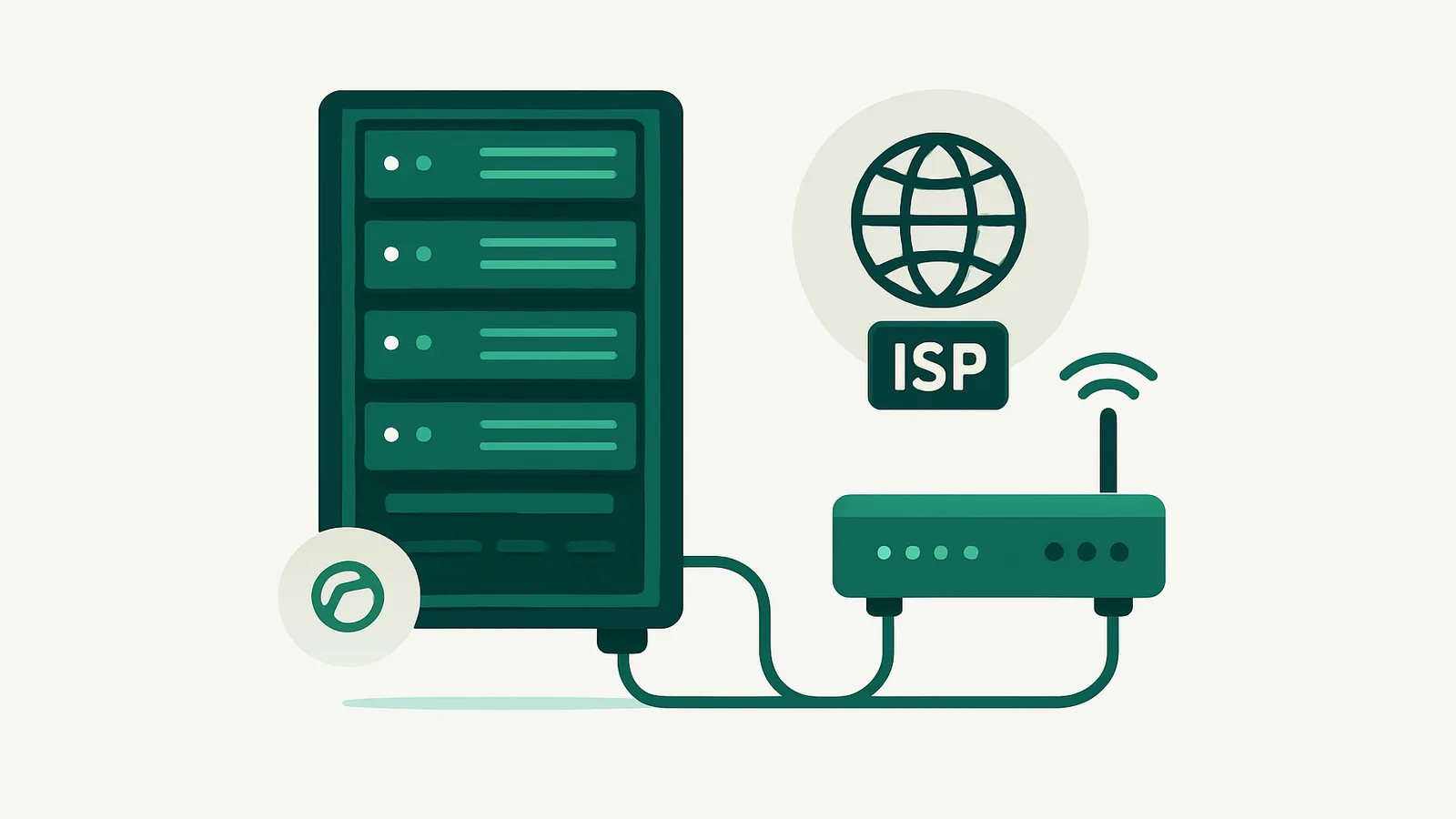
Static ISP proxies—sometimes marketed as static residential ISP proxies—are a hybrid proxy type. They combine elements of both datacenter and residential proxies:
- Static: The IP address does not rotate and is assigned to you exclusively for the rental period.
- ISP-labeled: The IP address is registered to an Internet Service Provider (ISP) rather than a traditional datacenter or hosting provider.
- Datacenter-hosted: Traffic is routed through physical servers located in a datacenter, not through real consumer broadband lines.
Key characteristics:
- The IP address typically carries the reputation of an ISP, which may help it appear as a “residential” user to some websites.
- The proxy remains static (unchanging) for weeks or months, unlike rotating or session-based residential proxies.
- The underlying hardware is datacenter infrastructure, not a consumer router or home device.
How static ISP proxies are sourced
The sourcing of static ISP proxies is more complex than either residential or standard datacenter proxies. Here’s how they are typically provisioned:
1. Leasing ISP-Assigned IP Ranges
- IP Block Leasing: Proxy providers lease subnets (blocks of IPs, often /24 or larger) that are registered to real ISPs. These subnets may come from: ISPs offering business services (e.g., a company leases a subnet as a business customer). Organizations with legacy IP allocations (such as universities, small/regional ISPs) who lease out unused address space via IP marketplaces.
- Routing through Datacenter: The leased IP block is routed (announced via BGP) to a datacenter, where physical servers handle proxy traffic.
- Result: The IPs appear to originate from an ISP (by ASN, registry records, and reputation) but the traffic is managed in a datacenter.
2. Bring Your Own Prefix (BYOP) Arrangements
- Some providers allow organizations to bring their own IP blocks and have them routed by an ISP’s ASN. This is often used for custom deployments or for those with existing IP allocations.
- The ISP announces the block as “residential” or “business” space, but the infrastructure remains in a datacenter.
3. Fabricated or Shell ISPs
- Less reputable providers may create shell companies or fictitious ISPs, register them with a regional internet registry (e.g., ARIN, RIPE), and announce their own IP blocks. These may appear as “ISP” IPs in databases but lack the history and reputation of established ISPs.
- The proxy is still datacenter-hosted, and the “ISP” label may not be trusted by advanced detection systems.
Summary:
- All static ISP proxies are ultimately routed through datacenter infrastructure.
- The ISP “residential” reputation comes from how the IP block is registered and announced, not from true home user connections.
Static ISP vs residential vs datacenter proxies
Residential Proxies
- Source: Real consumer devices on home broadband connections (via opt-in apps, routers, or similar).
- Rotation: Typically rotating, offering a fresh IP per request or per session.
- Reputation: Genuine residential reputation because the IP is used by real home users.
- Infrastructure: Traffic is routed through actual home networks.
Datacenter Proxies
- Source: Datacenter-assigned IPs from hosting providers.
- Rotation: Can be rotating or static (shared or dedicated), but always carries datacenter ASN/reputation.
- Reputation: Easily detected as non-residential by most platforms.
- Infrastructure: Hosted in professional server facilities.
Static ISP Proxies
- Source: IP blocks assigned to ISPs, routed to datacenter servers.
- Rotation: Static (unchanging) for the rental period.
- Reputation: May appear residential to some checks due to ISP registry data, but not always indistinguishable from real home users.
- Infrastructure: Physically hosted in datacenters, not homes.
Static IP Proxies (Datacenter Dedicated IPs)
- Source: Datacenter-assigned, dedicated to one customer for the rental period.
- Rotation: Static.
- Reputation: Datacenter, not ISP.
- Infrastructure: Datacenter servers.
How static ISP proxies are deployed
- IP Block Acquisition: A provider leases an IP block from an ISP or IP marketplace, ensuring that the registry information (whois, ASN) indicates an ISP.
- BGP Announcement: The IP block is announced (routed) to the internet via BGP, often using the ISP’s ASN to reinforce the residential “look”.
- Datacenter Hosting: The IPs are routed to physical servers in a datacenter. All proxy traffic passes through these servers.
- Proxy Assignment: Each customer receives a dedicated IP address (static for the rental period), with access via HTTP/HTTPS/SOCKS5.
- Authentication: Usernames and passwords control access. Some providers offer IP whitelisting for added security.
- Monitoring and Maintenance: The provider monitors for blacklisting, abuse, and technical issues. When an IP is blacklisted or otherwise compromised, it may be replaced or rotated out of the pool.
Key Point:
- The proxy’s “residential” or “ISP” reputation is based on registry records, not the physical path of the traffic.
Common misconceptions about static ISP proxies
1. “Static ISP proxies are true residential proxies.”
- Reality: Static ISP proxies are not routed through real home connections. They use ISP-labeled IPs but are hosted in datacenters.
2. “Static ISP proxies are undetectable.”
- Reality: Sophisticated platforms can sometimes detect datacenter hosting patterns even if the IP belongs to an ISP. They may use traffic analysis, timing, or advanced fingerprinting.
3. “All static ISP proxies are equal.”
- Reality: The quality and reputation of a static ISP proxy depend on the original IP allocation, ASN, and provider practices. Some proxy sellers use shell companies or newly registered ISPs, which may not carry the same trust as established ISPs.
4. “Static ISP proxies are permanent.”
- Reality: No proxy provider can guarantee the permanence of any IP. IPs may be reclaimed by the original owner, blacklisted, or otherwise rotated out.
5. “Static ISP proxies are the only way to get a long-term residential IP.”
- Reality: Depending on your use case, a static datacenter IP or a long-term residential IP (like Nefo’s IP Vault) may be a better fit. Static ISP proxies are not the same as “ISP lines” or “static residential lines” in the classic sense.
Static ISP vs other proxy types at a glance
| Feature | Static ISP proxy | Residential proxy | Datacenter proxy | Static IP proxy (datacenter) |
|---|---|---|---|---|
| Source IP | ISP-assigned, datacenter-hosted | Real home users, worldwide | Hosting provider | Datacenter, dedicated |
| Physical location | Datacenter | Home/consumer device | Datacenter | Datacenter |
| ASN/reputation | ISP | ISP/residential | Datacenter | Datacenter |
| Rotation | Static | Rotating or sticky | Rotating or static | Static |
| Dedicated to user | Yes | No | Shared or dedicated | Yes |
| Use case fit | Long-lived sessions, stable identity | Large-scale public data collection, geo testing | High-volume scraping | VPN, scraping, testing |
| True residential path | No | Yes | No | No |
| Bandwidth metering | Often unmetered | Per GB (at Nefo) | Per GB (at Nefo) | Unmetered (at Nefo) |
| Available at Nefo | Yes, from $1.76 for 7 days | Yes | Yes | Yes |
Limits of static ISP proxies
Understanding the boundaries of static ISP proxies helps you avoid disappointment and compliance risks:
- Not a true residential connection: if you need a connection that originates from a home user's device, static ISP proxies do not provide this. Use rotating residential proxies.
- Detection risk: some advanced anti-abuse systems can detect datacenter hosting even when the IP is labeled as ISP-assigned. For highly sensitive targets, consider diversifying proxy types.
- Reputation is variable: trust depends on the age and reputation of the ISP's ASN. New or shell ISPs may be flagged more easily.
- Compliance: for regulated industries or finance, verify the chain of custody and legal compliance of your proxy vendor.
- No guaranteed permanence: even dedicated ISP-assigned IPs may be reclaimed or blacklisted over time. Plan for periodic changes.
How to check where proxies come from
- Check registry records: Use tools like whois, ASN lookup, and IP reputation databases to verify the claimed ISP origin.
- Ask about sourcing: Reputable providers will explain whether their IPs are leased from real ISPs, legacy allocations, or shell companies.
- Understand the infrastructure: Ask if traffic is routed through a datacenter or real home users. True residential proxies always use consumer endpoints.
- Monitor for blacklisting: Use threat intelligence feeds to check if your IPs are on blocklists or have negative reputation.
- Test before scaling: Run small-scale tests to ensure the proxies meet your technical and compliance needs.
- Know your use case: For long-term, stable identity, static IPs or IP Vault products may be more reliable than static ISP proxies.
Static IP options at Nefo
Nefo sells several ways to keep one IP, each with its own limits:
1. Static residential ISP IPs
- Dedicated IP on 24 countries with the same price everywhere: 7 days $1.76, 14 days $2.64, 30 days $3.51, 90 days $10.22, 180 days $20.01, 360 days $39.17.
- HTTP(S) and SOCKS5 (no UDP), with fair use of 100 GB per IP per 30 days (25 GB on a 7-day rental).
- Orders of 10 or more IPs save 8%, and rentals auto-renew from your balance 3 days before the end. See ISP proxies.
2. Static datacenter IPs
- Dedicated IPv4 from $1.17 for 7 days, $2.31 for 30 days and $25.78 for 360 days; IPv6 from $0.72 for 30 days.
- Unlimited bandwidth and 131 countries.
- Best for VPN, scraping, testing and uses that do not need an ISP ASN. See static IP proxies.
3. IP Vault
- Keep residential IPs that work, instead of re-rolling each session. See the IP Vault page for details.
Conclusion
Static ISP proxies are a hybrid, with some of the reputation of residential IPs and the stability of datacenter hosting. They are not true home connections, and their trust depends on sourcing and provider practices. For a stable identity, compare Nefo static residential ISP IPs, dedicated static IP proxies and the IP Vault.
Ready to choose? Compare proxy types and pricing, or create your Nefo account.
Frequently asked questions
A static ISP proxy is a dedicated IP address registered to an internet service provider but hosted on datacenter servers. It does not rotate and is assigned to one customer for the rental period.
Static ISP proxies use ISP-registered IPs hosted in datacenters and stay fixed. Residential proxies route through real home connections and usually rotate or hold a sticky session. See residential vs ISP proxies.
Sometimes. They may pass basic residential checks because of the ISP ASN, but advanced systems can identify datacenter hosting patterns or IP history.
No provider can guarantee a permanent IP. IPs can be reclaimed, blacklisted or changed after network changes, even on long rentals.
Yes. Nefo static residential ISP IPs start at $1.76 for 7 days and $3.51 for 30 days, in 24 countries, with HTTP(S) and SOCKS5. See ISP proxies.
Check the IP's ASN and registry records, ask the provider about sourcing and use reputation databases to confirm the claimed ISP origin.
A dedicated IP fits best: static residential ISP IPs for an ISP ASN, or static IP proxies for datacenter IPs with unlimited bandwidth. For a sticky residential IP, use sessions up to 24 hours.